Instagram and Facebook ad maker
One photo in. A finished ad out.
Upload a photo, say what's on offer, get a finished ad. See yours before you sign up.
Upload a picture of what you sell and say what's on offer. ShopARoll writes the headline, lays it out and hands you an ad that's the right size to boost on Instagram or run on Facebook. No design tool to learn, and you see yours before you sign up for anything.
Straight out of the product
What comes back.
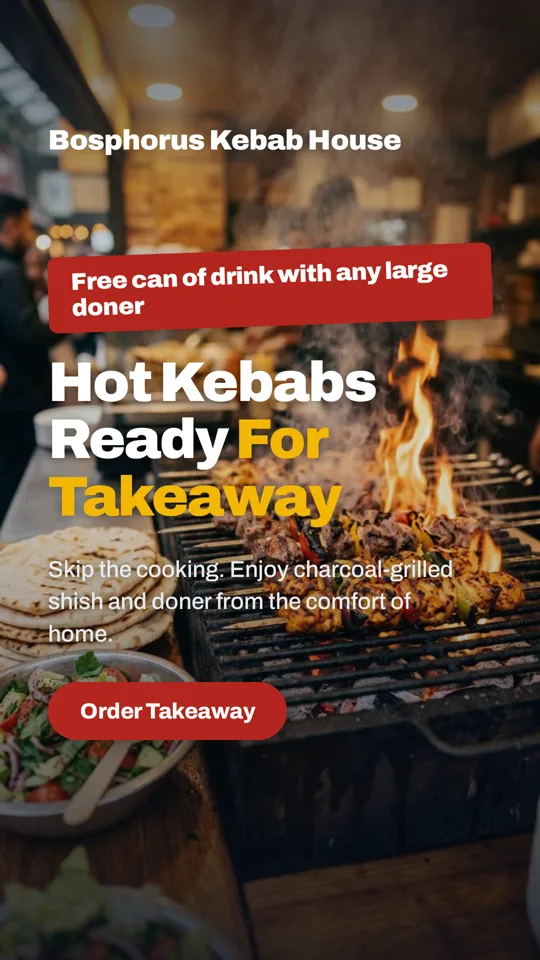
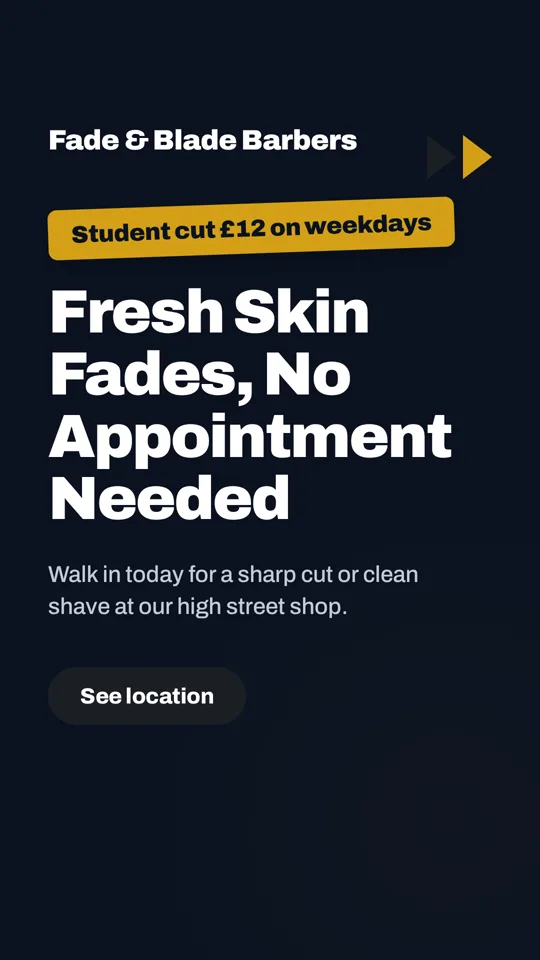
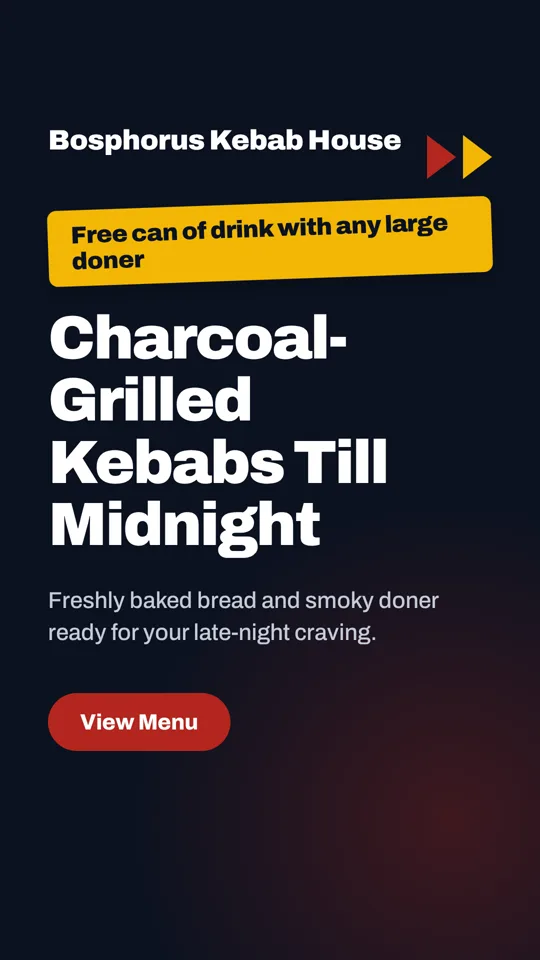
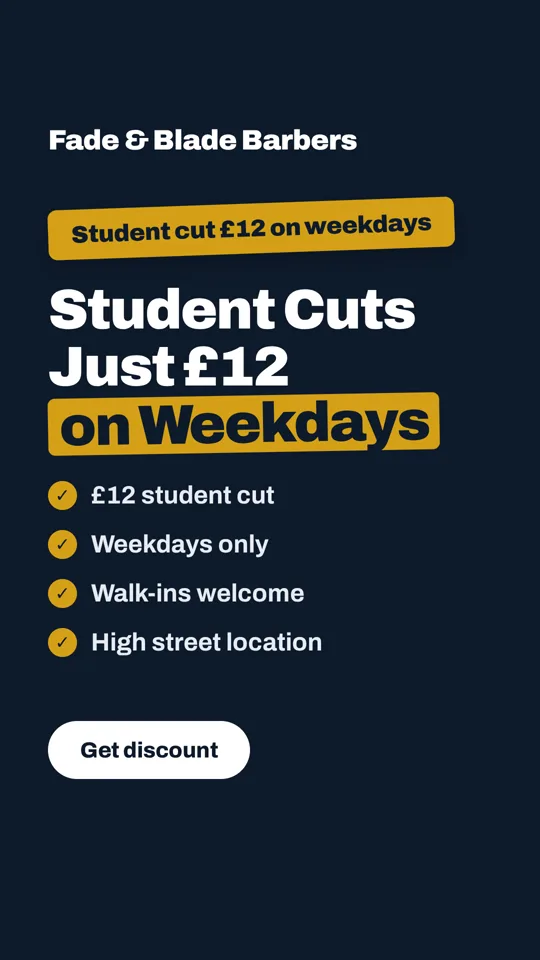
These were made for two sample shops, a kebab house and a barber, from a photo and a line about the week's offer. The words, the layout and the colours were all done by the ad maker.
-
 Kebab house
-
 Barber
-
 Kebab house
-
 Barber
-
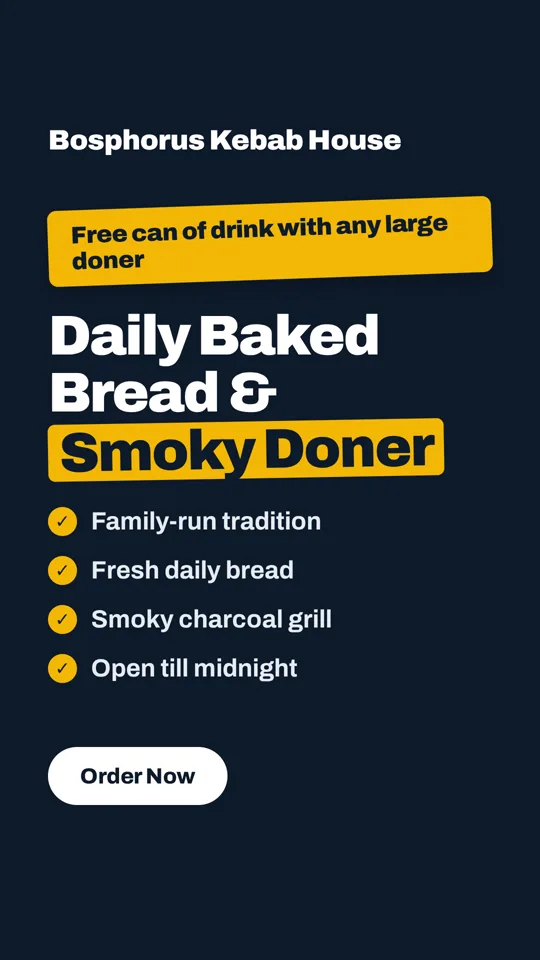 Kebab house
How it works
Three steps, under a minute.
-
Step 1
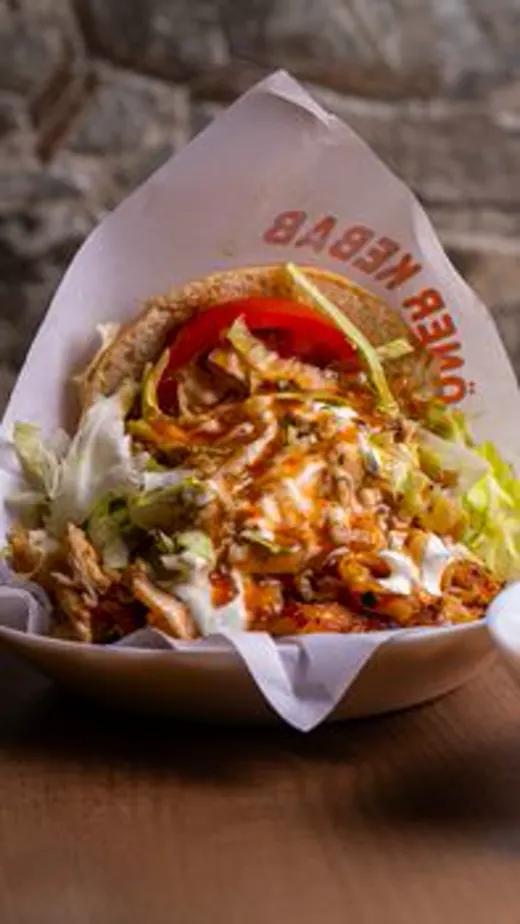 your photo
Upload one photo
The dish, the haircut, the shop front. A phone picture is fine.
-
Step 2
Say what's on offer
"Two pizzas for £15 on Tuesdays." One line is enough. We write the headline and the line under it.
-
Step 3
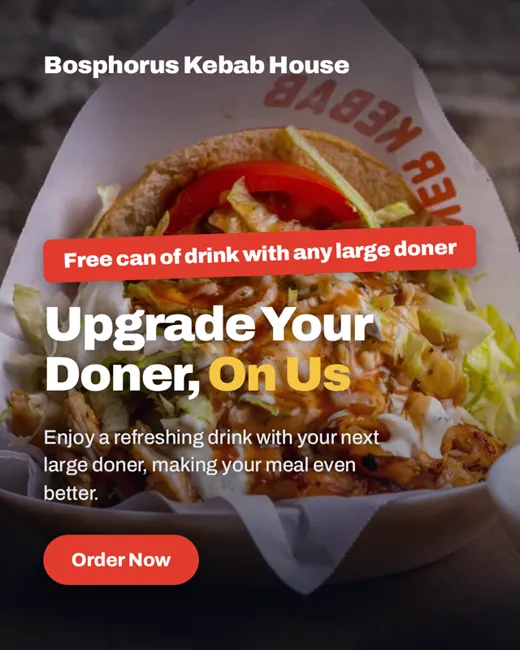 the ad
Get the ad
Look at it here first. Sign in with Google to download it full size, change any word, and make the other sizes.
Sizes
The right shape for where it's going.
- Story, 1080 × 1920 — Instagram and Facebook Stories, Reels ads.
- Portrait, 1080 × 1350 — the Instagram feed. Takes up the most screen, so it's the one to boost.
- Square, 1080 × 1080 — works everywhere, Facebook feed included.
- Landscape, 1200 × 628 — Facebook link ads and LinkedIn.
Try it now
Make an ad from your own photo.
No account needed to see it.
Free, with Google. Your ad comes with you: full size, every word editable, and the other three sizes a click away.
Questions
Before you ask.
Is it free?
Yes. Making ad images costs nothing, however many you make. You only pay if you want AI motion in videos, and that's optional.
Do you post it or touch my ad account?
No. You download the image and upload it to Instagram or Meta Ads Manager yourself. We never ask for access to either.
Can I change the words?
Once you're signed in, every line is editable, and you can add your logo and colours so each ad after this one is on brand.
Can it make a video instead?
Yes — turn your photos into a short video with a voiceover and captions.