Instagram Reels maker
A Reel for your shop, made from your photos.
Upload a few photos, get a finished Reel with voiceover and captions. Watch yours before you sign up.
Instagram shows Reels to people who don't follow you yet, which is the whole point of posting one. But a Reel takes filming, editing and something to say. ShopARoll makes one from the photos already on your phone: it writes the script, records the voiceover, times the captions and hands you a vertical video ready to post.
How it works
No filming. No editing app.
-
Step 1

 your photos
Pick up to six photos
Today's special, a finished haircut, the shop front. Phone pictures are fine, and they don't need to be vertical.
-
Step 2
Say what the Reel is for
"Walk-ins welcome this week." One line. Each photo is looked at first, so the script talks about what's actually in it.
-
Step 3
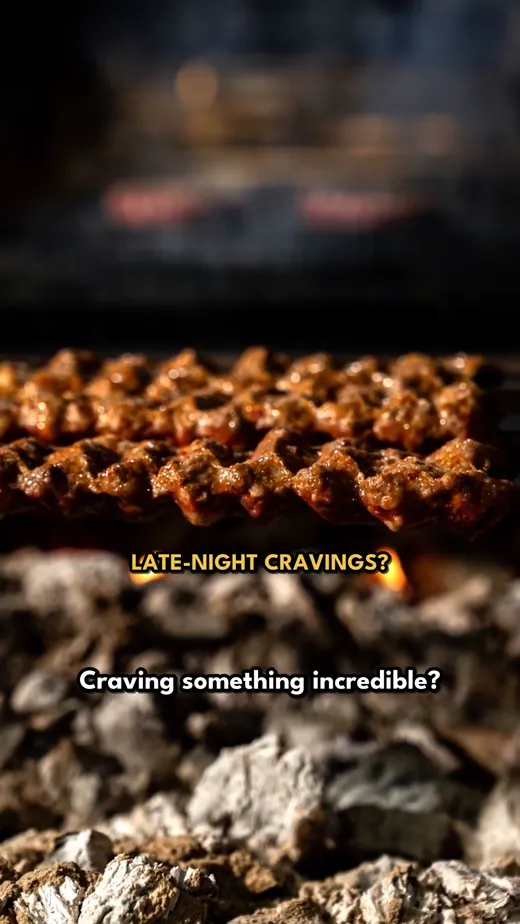 the Reel
Watch it, then post it
About fifteen seconds, voiced and captioned. Sign in with Google to download it and upload it to Instagram as a Reel.
Why it works as a Reel
Built for how people watch Reels.
-
A first line that earns the next second
People decide in about a second whether to keep watching. The script opens with a question or a claim, not "Welcome to our shop".
-
Captions for the sound-off crowd
Most Reels are watched on mute. Every word of the voiceover is on screen, timed to the voice.
-
Full screen, 9:16
1080 × 1920, the shape Reels wants. Landscape and square photos are fitted to fill it, with no black bars.
-
Words kept out of Instagram's way
Captions sit clear of the bottom of the screen, where Instagram puts your name, the caption and the buttons.
-
Movement on every photo
A slow push in, a pan along the counter. Each photo is cut to the length of its line, so it never feels like a slideshow.
-
A caption to paste
Once you're signed in, each video comes with a written caption and hashtags for the post itself.
Try it now
Make a Reel from your own photos.
No account needed to watch it. It takes a minute or two.
Free, with Google. Your Reel comes with you, and you can change any line, swap the voice or add music before you post it.
The other way
How to make a Reel from photos inside Instagram.
Instagram can do a basic version of this itself. It's worth knowing, because for a quick post it may be all you need.
- 1. Open Instagram, tap + and choose Reel.
- 2. Tap your camera roll, turn on multi-select and pick your photos in the order you want them.
- 3. Tap Next. Instagram offers to fit the photos to a suggested song, or you can pick your own audio.
- 4. In the editor, drag the ends of each photo to change how long it stays up, and add text with the Aa button.
- 5. Tap Next, write your caption, choose a cover and share.
What you get is your photos set to music. What you don't get is anything said about them: no script, no voice, no captions unless you type and time each one yourself. That's the part ShopARoll does.
Questions
Before you ask.
Is the Reels maker free?
Yes. Reels with voiceover, captions and pan-and-zoom are free, as many as you like. Credits are only for AI motion, which turns a still photo into real moving footage, and you get 20 to try when you sign up.
Do you post it to Instagram for me?
No. You download the video and upload it as a Reel yourself, so we never ask for your Instagram password or access to your account.
Is there a watermark?
No. The video ends on your shop's name, not ours.
How long should a Reel be?
Short. For a shop, fifteen to thirty seconds is plenty: one idea, shown and said. The one made on this page is about fifteen seconds, and in the app you can go up to a minute.
Can I use the same video on TikTok?
Yes, it's the same shape. See the TikTok video maker. If you want a still image to boost instead, there's the Instagram ad maker.